3 Best Framer Templates for Musicians (2026)
Most artist websites are a link tree with a header photo. That is fine until someone lands on it from a playlist, a festival lineup, or a press mention, and finds nothing that tells them what the music sounds like or where to hear it next. The site is part of the release. It should carry the same weight as the artwork.
These are the templates in the catalogue built for music. All three are built in Framer, all three run tour dates or releases off the CMS rather than hardcoded HTML, and all three can be remixed into your own Framer account in one click.
Nell Voss
$49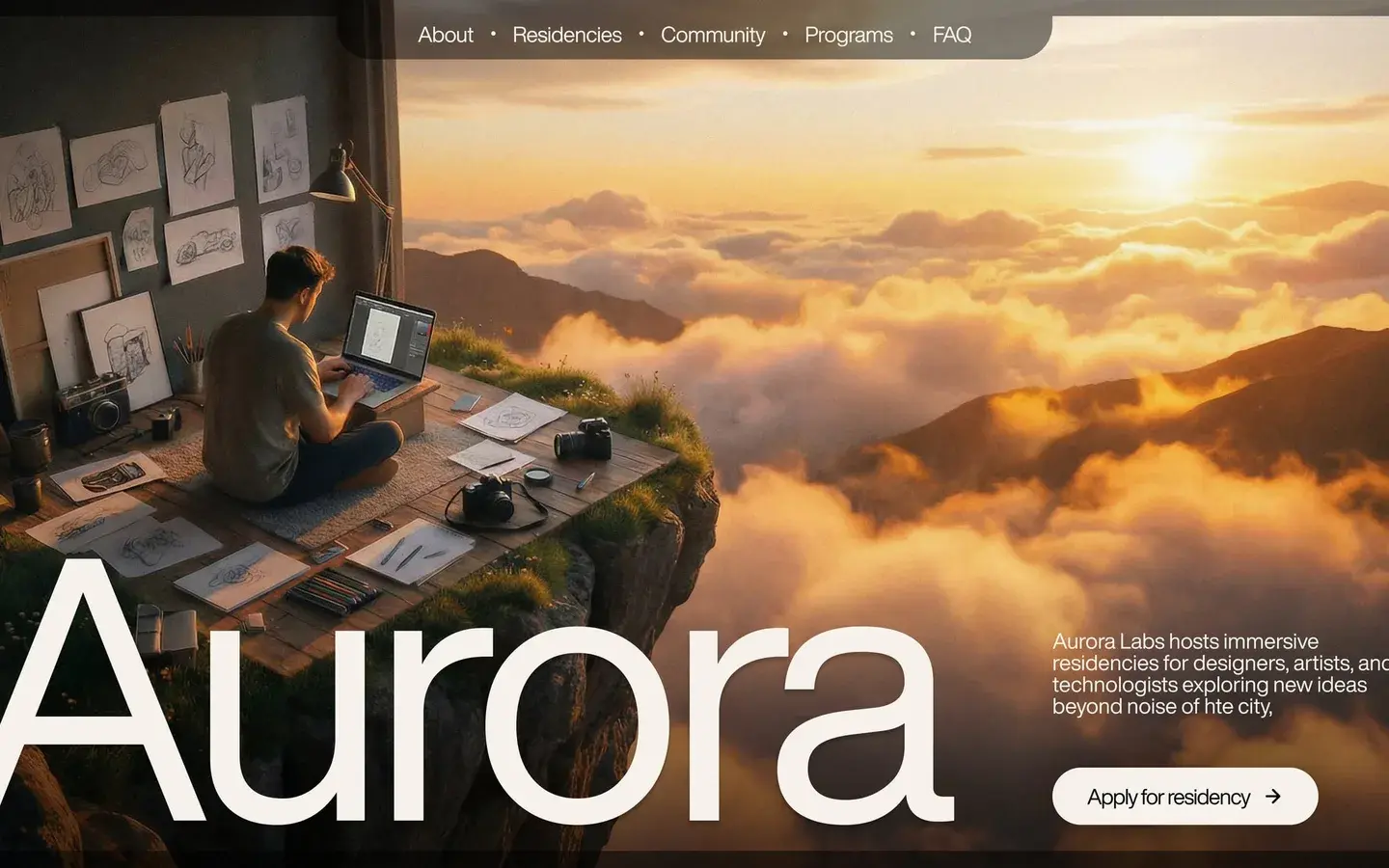
Music & Events · 5 pages
The one to take if you tour. Tour dates run off the Framer CMS, so adding a show is one row and past dates drop off on their own, which is the single most common reason artist sites go stale. The press kit page gives promoters and journalists somewhere to pull assets from without emailing you first.
Dark palette throughout, which matters more than it sounds: stage photography is mostly shadow and one hard light source, and it dies on a white background.
Slow Chrome
$29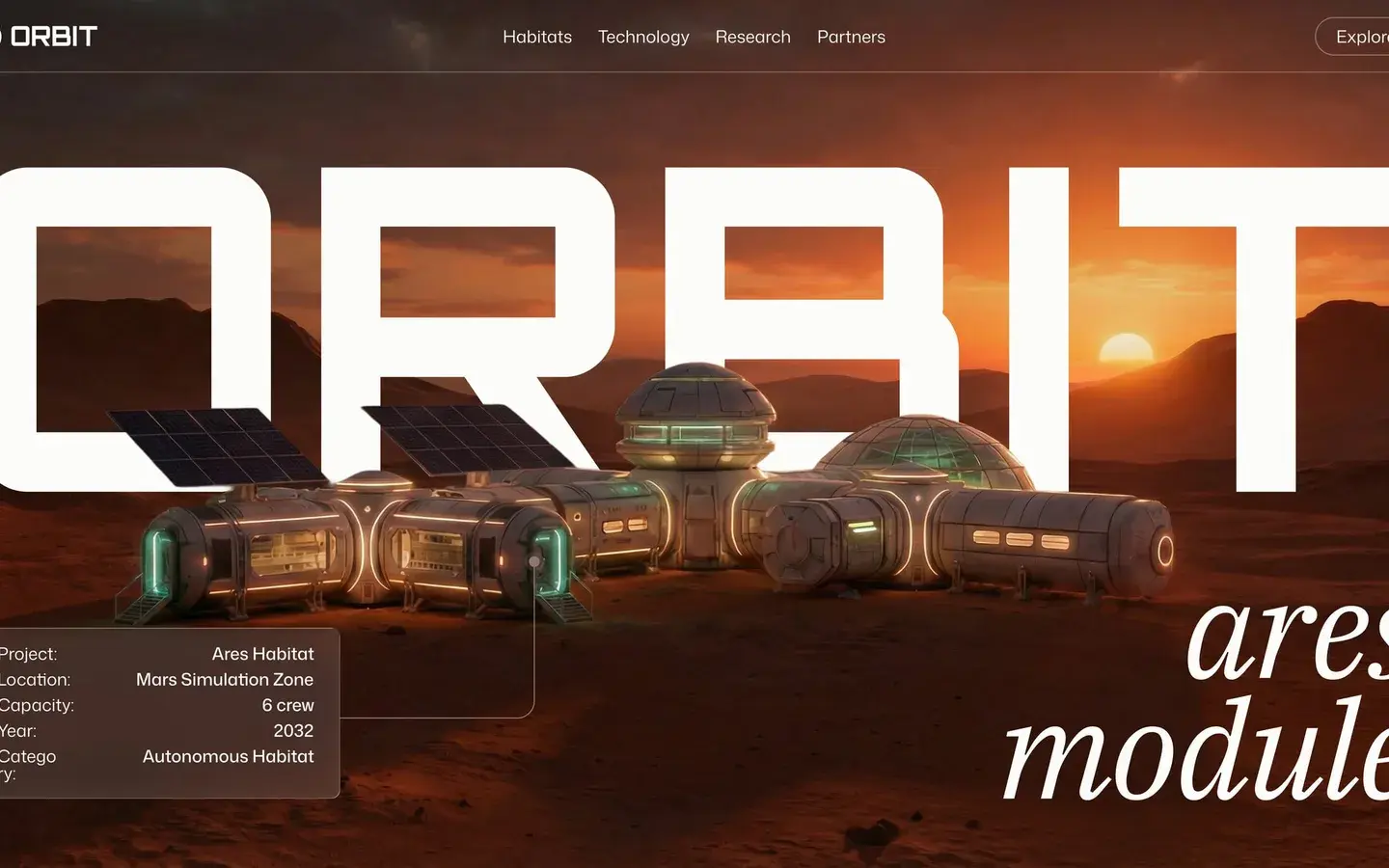
Music & Events · 5 pages
Built around the release rather than the tour. The layout gives a single record the full width of the screen, so it suits an album cycle better than a permanent artist home. Producers and labels get more out of this one than live acts.
Paid, and the pricier of the two, but it is the more finished of the two if you are putting one body of work in front of people.
Halflight Fest
Free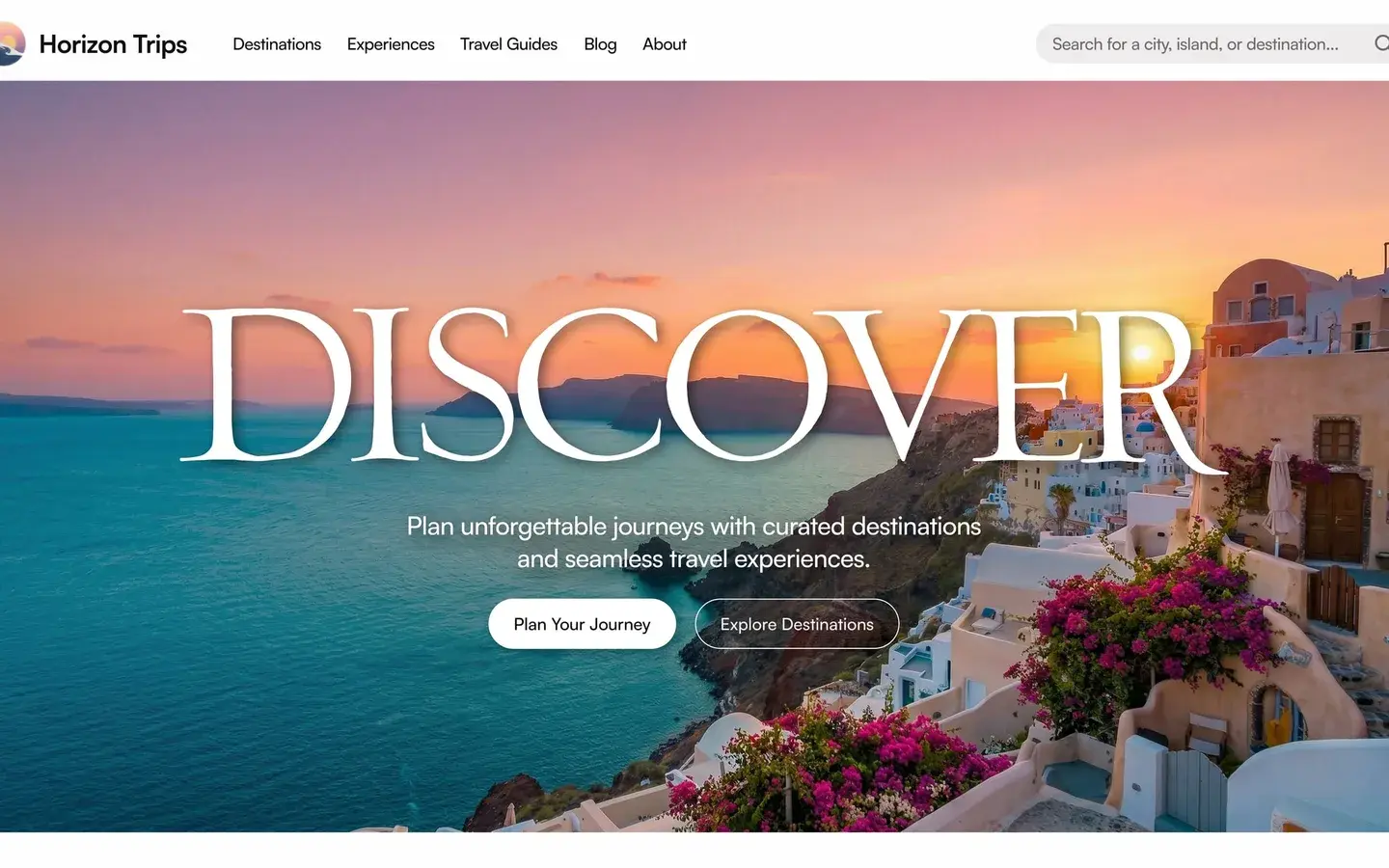
Music & Events · 6 pages
Not strictly an artist site: it is built for a festival or a multi-act event, with a lineup grid and a schedule. It earns a place here because a self-promoted show or a label night needs exactly this shape, and nothing else in the catalogue covers it.
Free, which makes it the obvious first thing to try if you are putting up a page for one event and do not want to commit to anything.
How to pick
Start from what changes most often. If that is show dates, take Nell Voss, because the CMS handles the churn. If it is one record you are pushing for six months, Slow Chrome frames it better. If it is a single event with a lineup, Halflight Fest is the only one shaped for it.
Cost should be the last thing you weigh, not the first. Halflight Fest is free and genuinely finished, but a free template that is the wrong shape costs more in reworking than a paid one that fits.
How to customise any of these
The process is the same for all three.
- Hit remix. The template opens in your own Framer account as an editable copy.
- Swap the content. Text and images are edited directly on the canvas; anything repeating, like tour dates or releases, lives in the CMS panel rather than the page.
- Check the breakpoints. All three are responsive out of the box, but your content is longer or shorter than the placeholder, so tablet and mobile are worth a look before you publish.
- Connect a domain and publish.
Framer's free tier is enough to remix, edit, and preview. A paid plan is only needed to publish to your own domain.