[ Article ]
Framer pricing: which plan you actually need
Which Framer plan fits your site, and what a year on it really costs.

The short answer
Most small business sites need Basic. Move to Pro when you need redirects, a staging site, more than 30 pages or more than two CMS collections. Free is for trying Framer out, since it can’t use your own domain.
The prices below are the list prices on Framer’s pricing page in October 2026.
What each plan gets you
Free, $0. A framer.website address, 1 GB of bandwidth and 500 AI credits to try. Framer says it’s meant for non-commercial use, and you can’t connect your own domain.
Basic, $10 a month. Your own domain, 30 pages, two CMS collections with up to 1,000 items, 50 GB of bandwidth and 30 days of analytics. The built-in SEO settings come with it.
Pro, $30 a month. 150 pages, ten CMS collections, 2,500 items, 100 GB of bandwidth and 90 days of analytics. It adds site redirects, a staging environment and branching with previews.
Enterprise, custom. Unlimited editors, SSO and an uptime guarantee. If you need it, your company already knows.
On Pro, each limit can grow for a fee: pages to 700, collections to 40, items to 40,000 and bandwidth to 2 TB.
The limits that decide it
Pages are rarely the problem. A portfolio or a service business usually sits under 15 pages, and Basic allows 30.
CMS collections are where people get caught. A blog is one collection. Case studies are another. Put a team page or your list of services on the CMS as well and you’ve outgrown Basic.
Redirects matter more than they look. Moving from another builder means your old URLs have to point to the new ones, or you lose the search traffic they built up. Only Pro has them.
Two CMS collections is the line most people cross first.
Which plan my templates need
The plan a template needs comes down to how many CMS collections it uses. Here is where each of my templates lands.
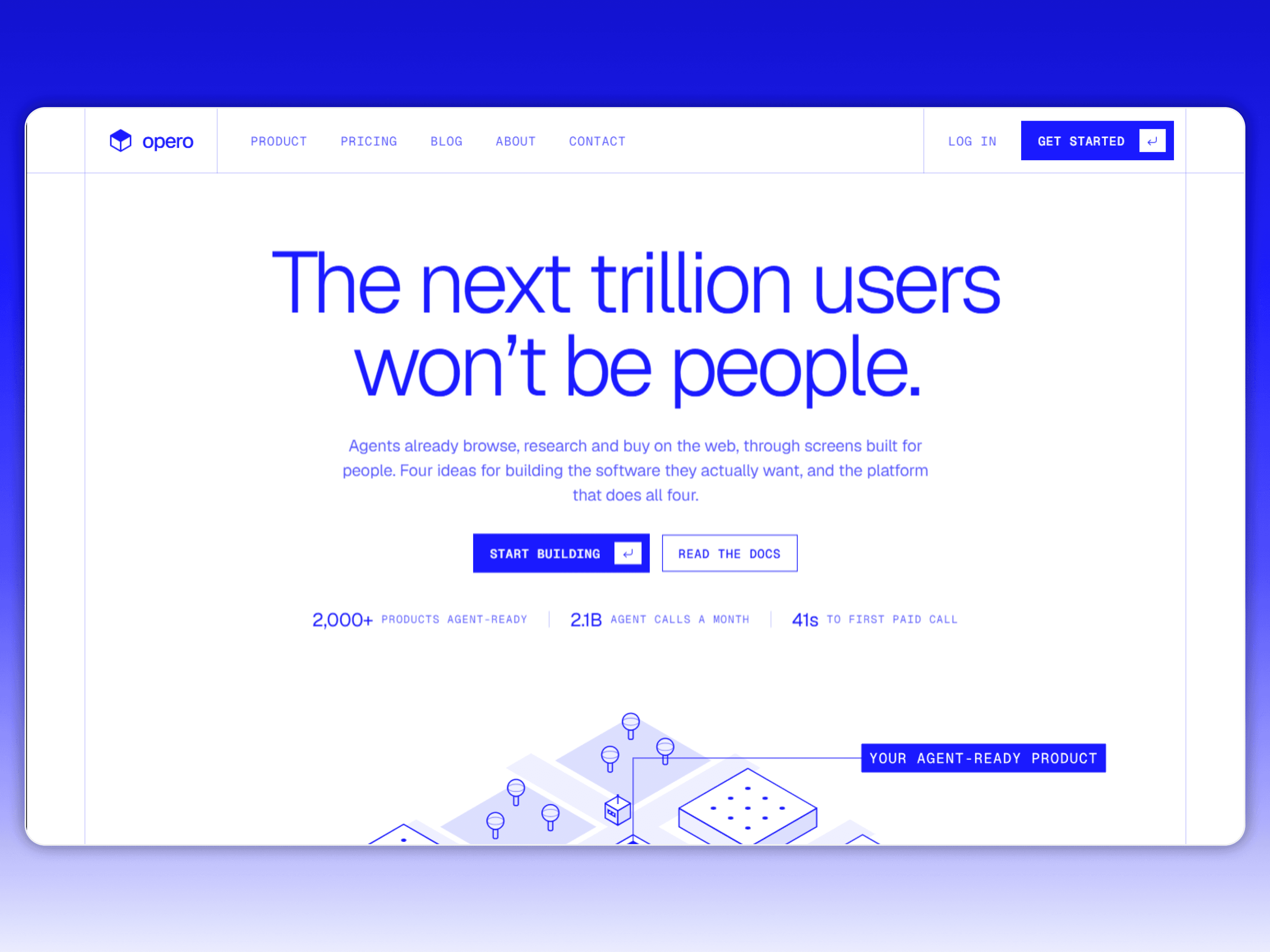
These run on Basic, with two collections or fewer: Promessa, Quorum Conf, Dewpoint, MATTER Mono, Playmat TCG, Roundtable Multi, Maren Holt, Nell Prior, Opero, Wren Navarro, Quota GTM, Veyra Studio and Halflight Fest.
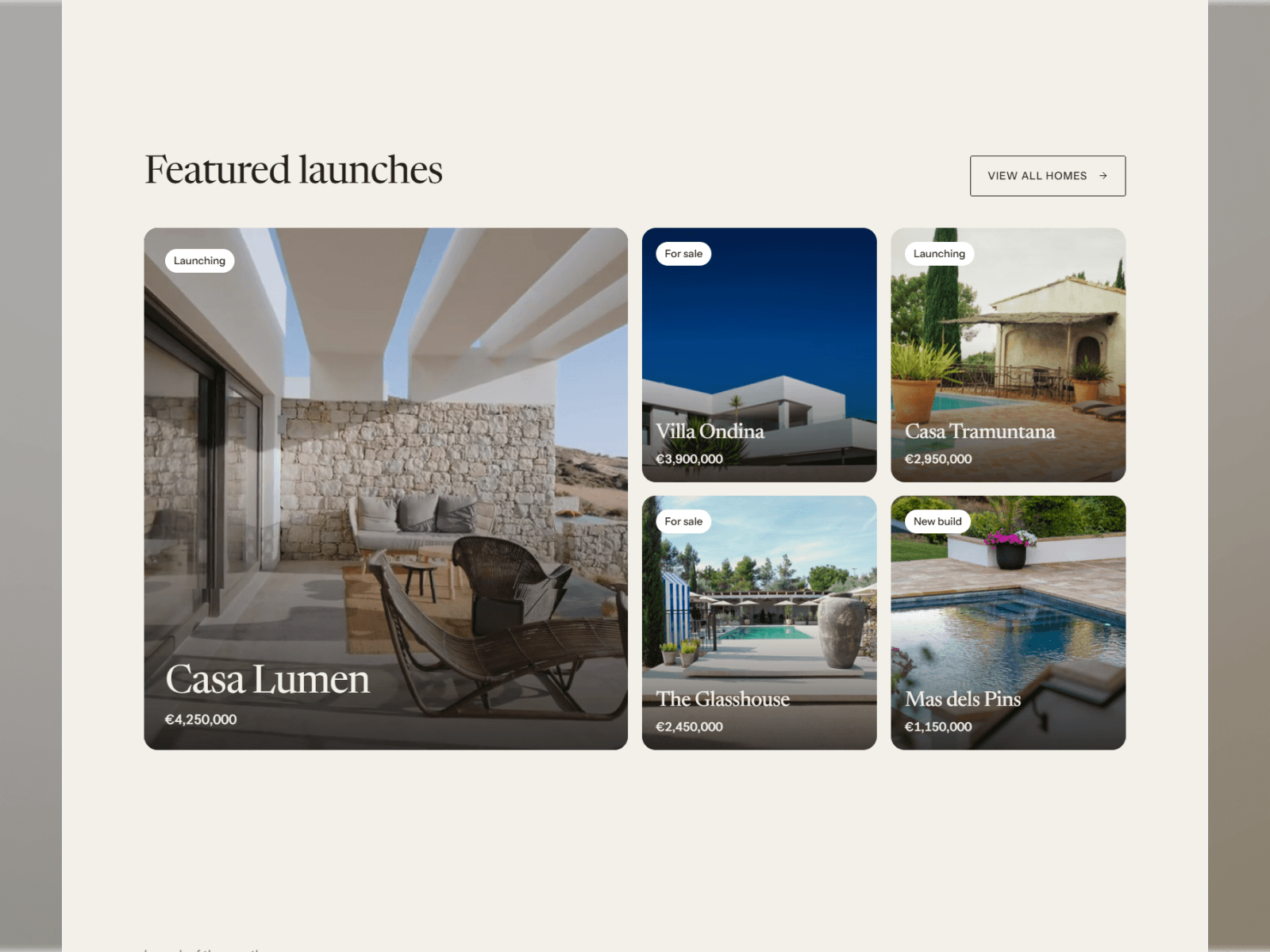
These need Pro, with three to five collections: Marea, Brisa, Luneform, Aubade, Dewly, Almanac, Cobalt Studio, Ferreira, Slow Chrome, Nell Voss, Knack, Kova Agent, Kestrel Suite, Cirro, Kernal, Quota DE and Homescreen.
If a template you like needs Pro but you won’t use every collection, you can delete the ones you won’t use and stay on the cheaper plan.
Costs that aren’t on the plan card
Extra editors: $20 a month each. Content editors, who only update the CMS, are $10. Viewers who leave comments are free.
Translation: $20 per language, up to 20.
A/B testing: the Convert add-on, at $50 per 500,000 events.
Bandwidth on Pro: $40 per extra 100 GB. Most small sites never get close to 50 GB. You’d need a lot of video or a lot of traffic to use it up.
What I’d pick for each kind of site
A portfolio or personal site: Basic.
A service business with a blog: Basic if the blog is the only thing on the CMS. Pro once case studies or a team page join it.
A startup marketing site: Pro. You’ll want staging the first time a launch day goes wrong.
A site moving from Squarespace, Wix or WordPress: Pro, for the redirects.
A wedding or event site: Basic, for as long as the event needs it.
How to start without overpaying
Build on Free. You can design and publish the whole site on a framer.website address before paying anything.
Count your collections. Two or fewer means Basic. More means Pro, or trimming the ones you don’t need.
List your old URLs. If you’re moving from another site and those pages get traffic, you’ll need Pro for the redirects.
Upgrade when you connect the domain. That’s the point a paid plan starts doing something for you.
What a Framer site costs in the first year
The plan is only part of the bill. Here’s a small site, built three ways.
A template you set up yourself. A year of Basic is $120 and a template is $29 to $99, so roughly $150 to $220 in total. On Pro, the plan alone is $360.
A template set up for you. Add Template Setup at $249. I put in your brand, copy and images and connect the domain.
A custom site. A Landing Page with me is $1,499 for up to 10 pages, plus the plan.
There’s a fuller breakdown in how much a website costs in 2026.
Is Framer free?
Yes, to build and to publish on a framer.website address. To use your own domain you need a paid plan.
Can I change plans later?
Yes. Framer asks you to upgrade when you reach a limit, which makes starting on Basic low risk.
What happens if I go over my bandwidth?
Framer lets you go over for one month and emails you. After that it asks you to upgrade.
Is a template part of the plan?
No. A template is a one-off purchase and the plan is the hosting. You pay for the template once and keep it.
How does Framer compare with Webflow on price?
Framer is cheaper to start, and Webflow gives more CMS room once content grows. I compare them properly in Framer vs Webflow.
If you’d rather skip the setup, start a project and I’ll handle the plan, the domain and the build.
Some links to Framer on this page are referral links. If you sign up through one, I may earn a commission, at no extra cost to you.

Written by Gwatsin
Designer and developer
[ Next article ]
A wedding website template that feels like the invitation →

exquisite