[ Article ]
A real estate website template for independent agencies
What buyers look for on an agency site, and the Framer template I built around it.

What buyers want from an agency site
Someone looking at homes online is doing sums. Can I afford it, is the area right, and who do I call. Photos get the click. The numbers and the next step decide whether they book a viewing.
A good real estate website template makes the listings easy to search, puts the real cost of a home in plain sight and gets a viewing request in with as little typing as possible.
Marea, $99, for independent agencies
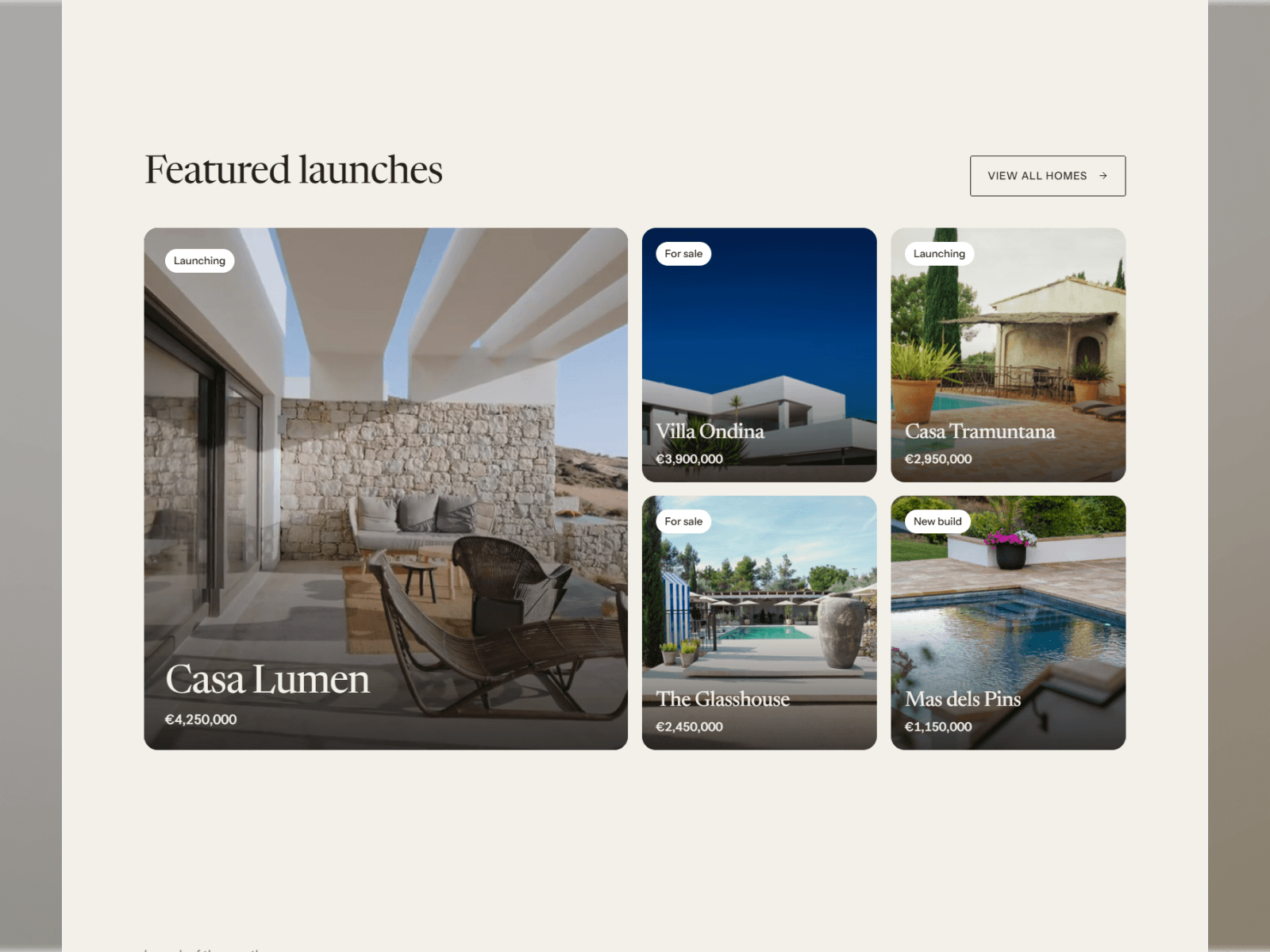
Marea is the real estate template I built in Framer. Every home is launched like a short film, with a gallery and a sheet of numbers underneath. That sheet adds every cost into one monthly figure, so a buyer knows the full price before they ask for a viewing.

The search sits on the first screen. Location, type and budget are the three things almost every buyer filters by, so those are the three fields.
What’s in it
Homes: a film, a gallery and a numbers sheet for each one.
A monthly cost sheet: every fee listed, then added up.
A mortgage calculator that reads the price of the home it sits on.
Search filters saved to the URL. A buyer can send a search to their partner and it opens the same way.
Area and agent pages that list their own homes.
Viewing request and valuation forms, for buyers and for sellers.
There are 15 pages in total: Home, Homes, Home detail, Areas, Area detail, Agents, Agent detail, Journal, Article, Sell, About, Contact, Privacy, Terms and a 404.
What makes a listing page work
The best photo first. One wide shot that sells the home beats a grid of ten small ones.
The price, then what it really costs. Taxes, fees and running costs added into one monthly number.
The facts in one glance. Bedrooms, bathrooms, size and plot, in the same place on every home.
A person. The agent’s face and name, so the buyer knows who they’ll speak to.
One clear next step. Request a viewing, with the fewest fields you can get away with.
Run it from the CMS
Homes, areas, agents, journal posts and FAQs are five CMS collections. Add a home once and it shows up in search, on its area page and on its agent’s page.
Buyers trust a price they can see in full.
Put faces on it
People buy homes from people. Each agent in Marea has a page with their photo, their role and the homes they look after.

Area pages help you get found
A lot of buyers start with a place. Each area in Marea gets its own page with a short guide and the homes for sale there. Write a few honest paragraphs for each one and the page has a real chance of showing up when someone searches for homes in that town.
Win sellers too
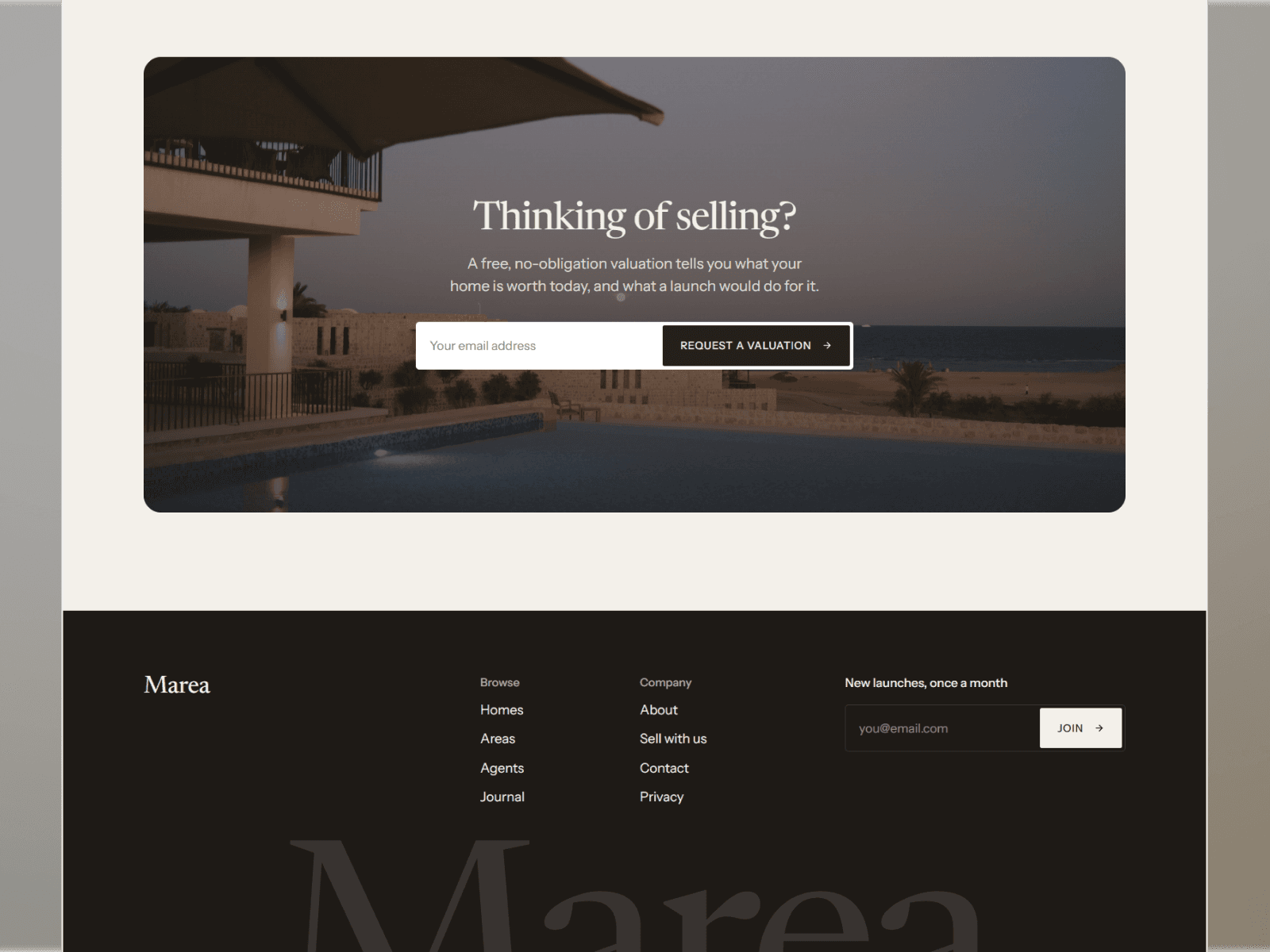
An agency needs homes to sell as much as it needs buyers. The Sell page and the valuation form give owners a quiet way to ask what their home is worth.
Who it suits
Marea is made for independent agencies and local agents who list their own homes. It also fits developers selling a small number of homes, new build launches and holiday rentals.
It doesn’t pull listings in from an MLS. If you need every listing in your region fed in automatically, look at an IDX tool instead. Marea is for agencies whose own homes are the point.
What it costs
Marea is $99, paid once. Because it uses five CMS collections, it needs Framer’s Pro plan at $30 a month. Basic allows only two. The Framer pricing guide explains the difference.
If you’d rather have it set up for you, Template Setup is $249. I add your brand, your agents and your first homes, connect the domain, and it’s live in three to five days.
Can I add my own listings?
Yes. Each home is a CMS item. You fill in the price, the photos, the film and the costs, then publish.
Does it work for rentals?
Yes. I made it with holiday rentals in mind too, alongside homes for sale.
Is there a template for a single villa or hotel?
Yes. Brisa is built for villas and small hotels, with pages for each villa, activities and amenities.
Can I see how it was made?
You can see it next to my other sites on the work page.
See it live on the Marea page, or browse the rest of my templates.

Written by Gwatsin
Designer and developer
[ Next article ]
Framer vs Webflow for a small business site →

exquisite